From Intake to Impact: Streamlining the Client Journey in Human Services
Learn why the client journey in human services matters. From intake to outcomes, see how nonprofits can streamline processes, reduce delays, and...
Learn how human services organizations can improve incident reporting, follow-up, documentation and compliance with better digital workflows.
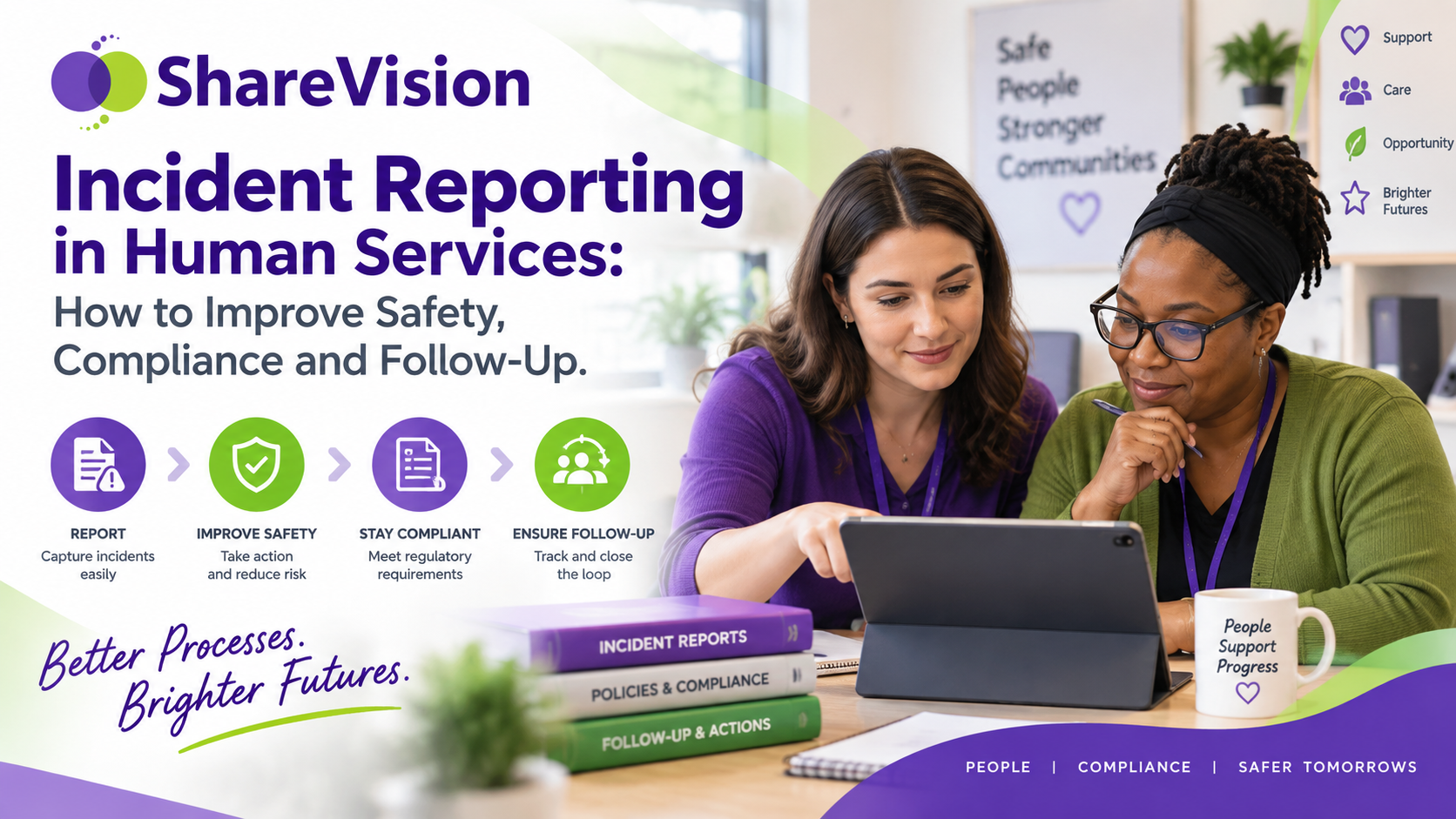
Incident reporting software helps human services organizations document what happened, notify the right people, manage follow-up and identify patterns that may otherwise remain hidden across paper forms, spreadsheets and email.
For disability services, community living organizations, residential programs and other social service agencies, incident reporting is much bigger than filling out a form.
An incident can affect the person receiving support, employees, families, programs and the organization itself.
What happens after the incident matters just as much as recording it.
Who was notified?
Was follow-up completed?
Did a supervisor review the report?
Were support plans updated?
Has something similar happened before?
Is there a pattern across one residence, program, client or time period?
When incident information is scattered across paper files, email chains, spreadsheets and disconnected databases, answering those questions becomes difficult.
A structured digital incident reporting process can turn individual reports into useful information that helps organizations respond faster, document consistently and improve services over time.
Incident reporting is the process of documenting an event that affects or could affect the safety, health, rights, well-being or service delivery of a person receiving support.
The exact definition of an incident depends on the organization, service type and reporting requirements.
Incidents may include:
Some events require immediate escalation.
Others may simply require documentation and supervisor review.
The important part is having a process that tells employees what to document and what happens next.
One of the biggest problems with traditional incident reporting is what happens after the form is completed.
A frontline worker fills out a paper report.
The report goes to a supervisor.
Someone sends an email.
Another employee enters the incident into a spreadsheet.
A manager reviews it days later.
Someone else needs to follow up.
Eventually, the organization has several different records describing the same event.
This creates obvious problems.
Staff may not know:
A digital incident report system can create a structured workflow from the moment an incident is entered.
Instead of treating the incident report as the end of the process, organizations can use it as the beginning.
A good incident-management process usually includes several stages.
The first priority is responding to the situation.
Staff may need to provide assistance, contact emergency services, notify a supervisor or take other immediate action based on organizational procedures.
The staff member records what happened.
Good documentation should focus on facts.
That may include:
Specific incidents may need to be brought to the attention of:
The notification process can depend on the type or severity of the event.
A supervisor or manager reviews the report.
They may request additional information, confirm required actions or identify further steps.
Follow-up may include:
Once required actions have been completed, the incident can be marked as reviewed or closed according to the organization's process.
Over time, incident information can be reviewed across clients, programs and facilities to identify patterns.
That final stage is often missed.
It is also where incident data becomes particularly useful.
Paper forms can capture information.
They are much less effective at managing workflow.
Imagine an organization supporting 150 people across several residential and community programs.
Over a year, that organization might generate hundreds of incident records.
If those records are stored in binders or scanned PDFs, someone has to manually review them to answer basic questions such as:
The information technically exists.
It just isn't easy to use.
Digital incident tracking software turns information entered into forms into structured data that organizations can search, filter and report on.
Many organizations move from paper to spreadsheets.
That can improve basic reporting, but spreadsheets introduce a new set of problems.
A typical process may involve:
Every manual transfer creates another opportunity for something to be missed.
Spreadsheets also become difficult to manage when organizations need:
For small datasets, spreadsheets can work.
For ongoing human services incident management, they often become another administrative burden.
Different staff members may describe the same type of incident very differently.
One employee writes several paragraphs.
Another writes two sentences.
Another leaves important fields blank.
Structured incident forms help create consistency.
An incident form might use:
Structured fields make reporting easier later.
For example, if every employee manually writes the location into a text field, the same residence might appear as:
A standardized selection field creates one consistent record.
That seems small until someone needs to analyze several years of incident data.
A reporting system only works when staff can actually use it.
Frontline employees may work in:
Forcing employees to return to an office computer to complete an incident report can delay documentation.
Details become harder to remember.
Forms get completed at the end of a shift.
Some reports may be missed completely.
Mobile-friendly human services incident reporting software lets staff complete documentation from a phone, tablet or computer.
This can help capture information while events are still fresh.
ShareVision works through a web browser across desktops, tablets and mobile devices, allowing authorized staff to access forms and records without relying on a separate mobile app.
Submitting a form should not require staff to remember who needs to receive an email next.
Digital workflows can automate parts of that process.
For example:
Incident submitted → Program manager notified
If the incident meets a particular condition:
Incident classified as high priority → Senior manager notified
After review:
Follow-up required → Task or notification sent to responsible employee
If a field changes:
Follow-up completed → Manager notified for final review
ShareVision supports notifications triggered by form information, dates and other conditions. Notifications can direct staff back to the relevant record so the next person can continue the workflow.
This reduces dependence on memory and separate email chains.
Not every incident should follow exactly the same process.
A minor property-damage report may require one supervisor review.
A serious client injury may require several additional steps.
Organizations may want different workflows based on:
This is one reason configurable forms and notifications matter.
Human services organizations have their own terminology, policies and reporting structures.
The system needs to reflect those processes rather than forcing every organization into the same incident template.
ShareVision provides editable forms and allows organizations to create forms based on their own requirements.
An incident rarely exists completely on its own.
It may relate to:
When incident reports sit in a separate system, that context becomes harder to see.
Keeping incident documentation connected to the person's broader case record can help approved staff understand what happened before and after the event.
For example, imagine that a client has experienced three falls within two months.
Each individual incident may appear minor.
Viewed together, they may suggest a change that deserves attention.
The value is not simply recording three forms.
It is being able to see the pattern.
Residential services create particular incident-reporting challenges because services operate across shifts.
One staff member may complete a report.
Another employee starts work several hours later.
The supervisor may not be at the residence.
A manager may oversee multiple homes.
Information needs to move between those people.
Common group home incident reporting needs can include:
Digital records make it easier for the next authorized employee to review recent information instead of relying entirely on verbal shift handoffs.
Incidents do not only happen inside facilities.
Staff may support people:
This makes mobile documentation particularly useful.
A community support worker should be able to document an event without carrying paper forms or waiting until returning to the office.
Organizations can also capture the location, program and other structured information needed for later reporting.
Incident reports can contain sensitive information.
Not every employee needs access to every record.
An organization may have:
Each role may need different access.
For example, one employee may need permission to create an incident report but not modify it after supervisor review.
Another manager may need access only to incidents within their program.
Senior leadership may need organization-wide reporting.
Role-based permissions can help organizations limit access based on staff responsibilities.
ShareVision supports configurable user permissions and controlled access to client and program information.
Human services documentation should make it possible to understand who entered information and when.
This becomes particularly important when reviewing an incident after the fact.
Useful records can include:
ShareVision uses date and user stamps within its records and outcome-tracking tools, helping organizations maintain clearer documentation histories.
Individual incident reports help organizations understand individual events.
Aggregated incident data helps management understand the organization.
That is a major difference.
Instead of asking:
What happened during this incident?
Leadership can also ask:
What is happening across our services?
Useful reporting may examine incidents by:
This makes it easier to identify changes and recurring issues.
Imagine a residential organization looking at six months of incident data.
Management notices that one residence has significantly more falls than others.
That does not automatically mean something is wrong with the residence.
But it gives leadership a reason to investigate.
Possible factors could include:
Without centralized reporting, that pattern might go unnoticed because each fall was reviewed separately.
The goal of incident analytics is not to assign blame.
It is to give organizations better information.
Incident trends can also inform staff development.
Suppose reports show an increase in incidents related to:
Management can use that information to decide where additional training may help.
Instead of selecting training topics based only on general assumptions, organizations can use actual service data.
Incident management should form part of a broader quality-improvement process.
Organizations can periodically review:
The purpose is not to drive incident counts to zero at all costs.
That can create the wrong incentive.
A low number of reported incidents could mean fewer incidents occurred.
It could also mean staff are not reporting consistently.
Management should consider reporting culture alongside the raw numbers.
Staff should understand that reporting an incident is part of good documentation, not something they will automatically be blamed for.
Incident-reporting systems depend on accurate information.
If employees think every report will be used against them, under-reporting can become a problem.
Organizations need clear expectations.
Staff should understand:
Reporting should focus on creating an accurate record and supporting appropriate follow-up.
A digital platform can improve the process.
It cannot fix a poor reporting culture by itself.
When evaluating incident management software for human services, start with the workflow rather than a long feature checklist.
Ask how an incident moves through your organization today.
Then identify where things break.
Useful capabilities can include:
Your organization should be able to capture the information required by your programs and procedures.
Required information can reduce incomplete reports.
Staff should be able to document incidents where services happen.
The right people can be alerted when reports are submitted or specific conditions are met.
Incident history can remain connected with the person receiving services.
Organizations can review events across different services and locations.
Sensitive incident information can be restricted to appropriate users.
Staff can record actions taken after the initial event.
Managers should be able to review incident information without manually rebuilding reports.
Different incident types can follow different internal processes.
ShareVision is case management software built for nonprofit and social service organizations.
Organizations can use ShareVision's configurable forms, client records, program records, permissions, alerts and reporting tools to build incident-reporting processes around their existing procedures.
ShareVision currently supports:
ShareVision's Canadian site also specifically lists incident tracking as part of its social-services management offering.
That flexibility matters because two human services organizations can have very different incident-reporting requirements.
A community living organization may need one workflow.
A shelter may need another.
An employment-support agency may have different forms again.
The software should support the organization's process.
Incident management has become a significant part of human services software.
Therap Canada currently promotes a dedicated incident reporting and risk-management solution with point-of-service submission, notifications, abuse and neglect tracking, and follow-up tools.
PlanStreet also positions incident management as one of the service areas supported by its broader case-management platform.
That reflects a wider shift in the sector.
Human services organizations increasingly expect incident information to connect with the rest of their case-management data rather than exist in a separate binder or spreadsheet.
The purpose of an incident report is not simply to prove that someone completed a form.
Good incident management helps an organization understand:
What happened?
What did we do about it?
Who still needs to act?
Has this happened before?
Is there a pattern?
Should anything change?
Paper forms can answer the first question.
A connected incident-management process can help answer all six.
That is where digital incident reporting becomes valuable.
It turns separate events into information that frontline teams, managers and leadership can use to improve documentation, follow-up and service delivery.
Your incident-reporting process should fit your programs, staff structure and documentation requirements.
ShareVision gives human services organizations configurable forms, client records, program management, notifications, permissions and reporting tools that can support a structured digital incident-reporting workflow.
Instead of managing incident information across paper forms, spreadsheets and email, your team can keep records connected to the people and programs they support.
Want to see how ShareVision can support your incident-reporting process?
Book a ShareVision demo to see how your existing incident forms and workflows can be brought into one connected case-management platform.
Incident reporting software is a digital system for documenting events, storing incident records, notifying staff, recording follow-up and reporting on incident data.
An incident report commonly includes the date and time, location, people involved, description of the event, actions taken, injuries, witnesses, notifications and required follow-up. Required information varies by organization and service type.
Digital incident reporting makes records easier to search, share with approved staff, connect to client information and analyze over time. It can also reduce duplicate data entry and manual follow-up.
Some systems can automatically send notifications after a report is submitted or when specific form conditions are met. ShareVision supports notifications triggered by form values, dates and other configured conditions.
Yes. ShareVision provides configurable forms, client and program records, notifications, permissions, reporting tools and mobile browser access that organizations can use to support digital incident-reporting workflows.
Keeping incident information connected with a client's broader record allows authorized staff to review incidents alongside other relevant service information.
Incident reporting focuses on documenting an event. Incident management includes the broader process of reporting, review, notifications, follow-up, closure and analysis.
Aggregated incident data can help organizations identify recurring events, changes over time, program differences and areas that may deserve further review, training or process changes.
Learn why the client journey in human services matters. From intake to outcomes, see how nonprofits can streamline processes, reduce delays, and...
Learn how human services organizations can reduce administrative burden, streamline documentation, improve reporting, and give frontline staff more...
Learn how case management software enhances the care provided by personal support workers to adults with developmental disabilities. Discover key...